

How to Optimize a Minecraft Server for Better Performance
Minecraft server performance depends on several factors, including CPU performance, RAM, plugins, world settings, and player activity.
1. Use Optimized Server Software
Consider using an optimized server implementation such as Paper when it is compatible with your server setup.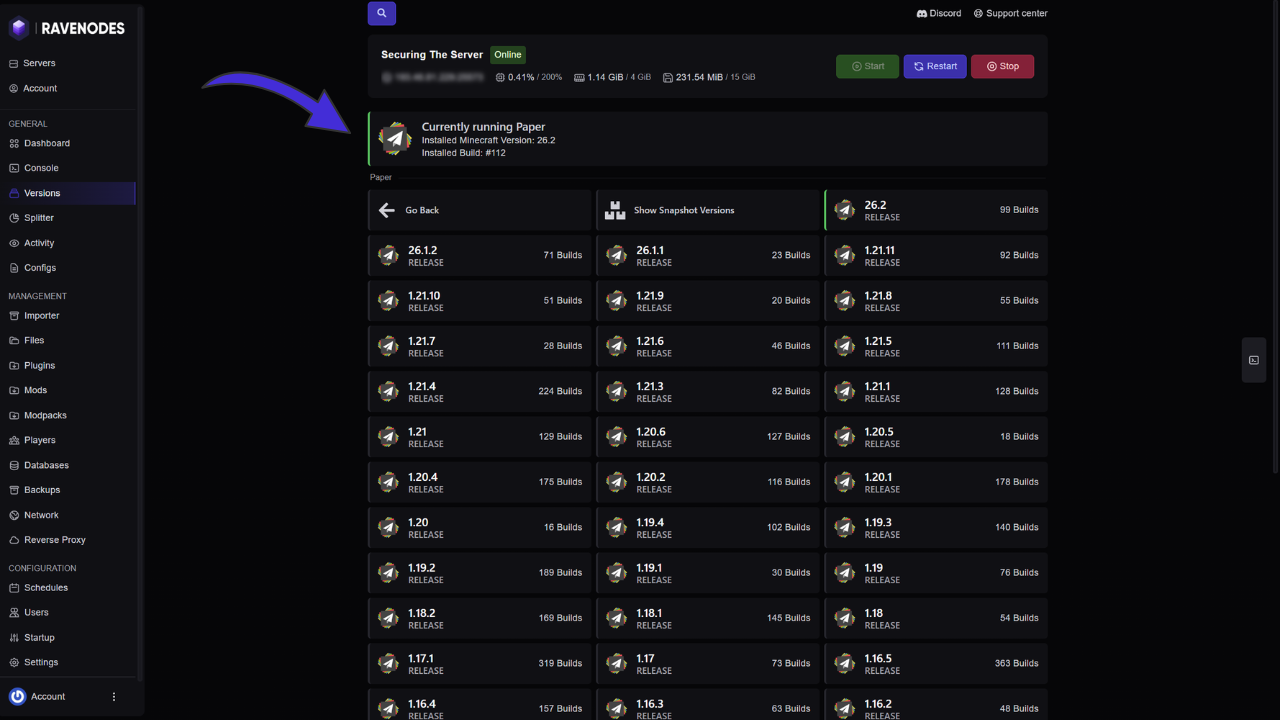
2. Adjust View Distance
Lowering view distance reduces the amount of world data the server needs to process.
For example:
view-distance=8
simulation-distance=6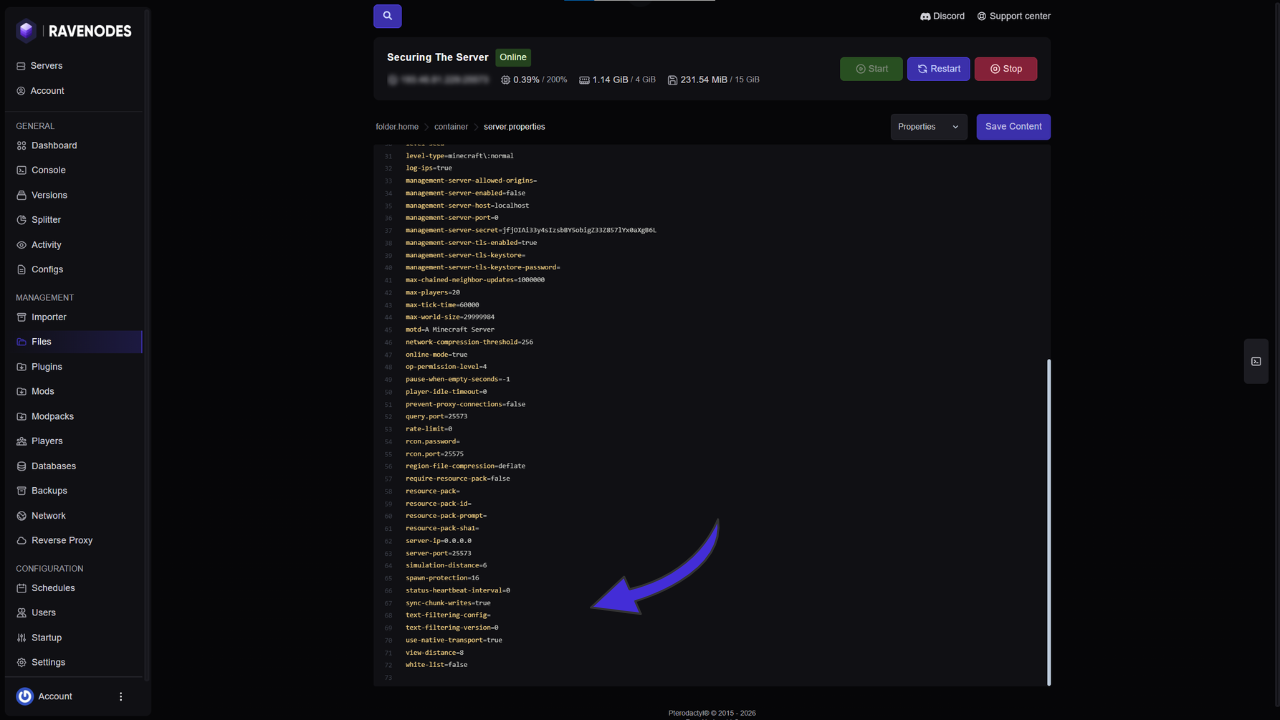
3. Remove Unnecessary Plugins
Every plugin adds some amount of workload.
Remove plugins that you no longer use.
4. Pre-Generate Your World
Generating new chunks while players explore can cause CPU spikes.
Pre-generating important areas can help reduce this workload.
5. Control Entities
Large numbers of mobs, villagers, items, and other entities can affect performance.
Keep farms and entity-heavy areas under control.
6. Monitor MSPT and TPS
Monitor your server's performance instead of guessing.
A healthy server should generally maintain around:
20 TPSand:
Below 50 MSPT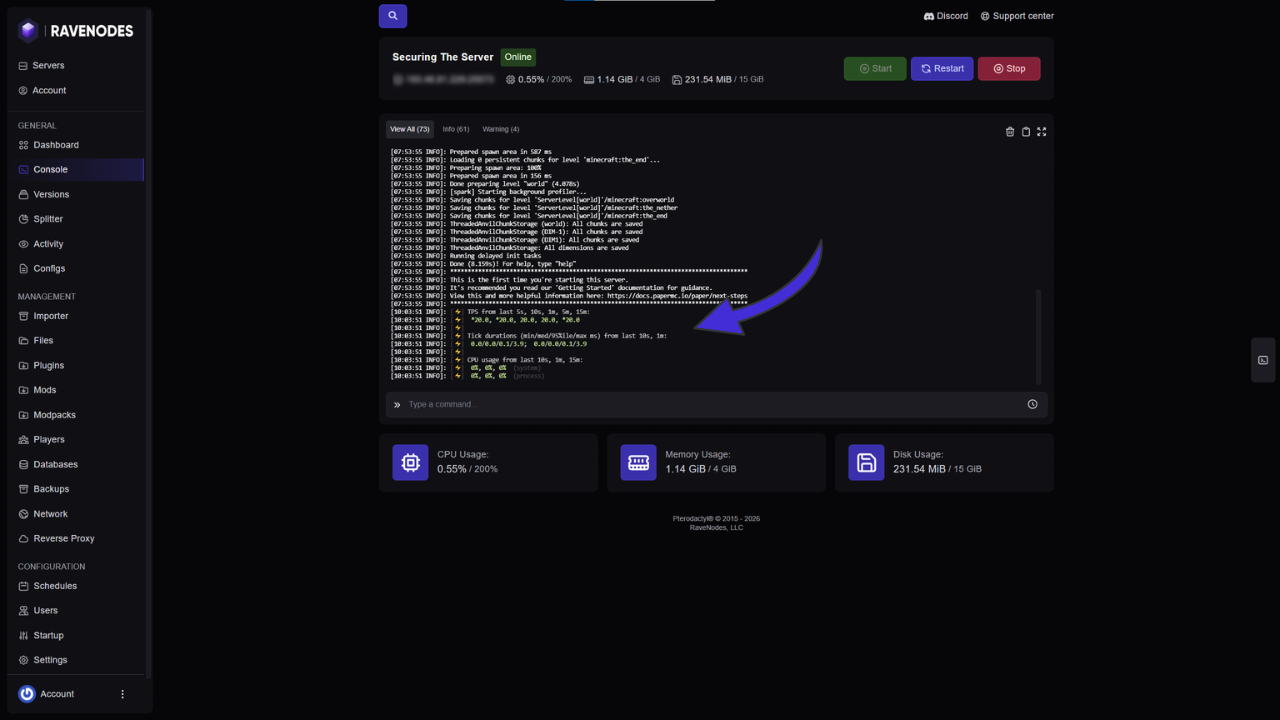
7. Choose Good Hardware
Minecraft often benefits significantly from strong single-thread CPU performance.
More RAM alone cannot fix a CPU bottleneck.
Conclusion
Good optimization is about reducing unnecessary workload. Start by identifying the actual bottleneck before changing settings or purchasing additional resources.